 Reviewed by Marcus Knapman, BSc (Hons) Computing ·
Researched from 100+ Amazon customer reviews
· How we review
Reviewed by Marcus Knapman, BSc (Hons) Computing ·
Researched from 100+ Amazon customer reviews
· How we review
At £159.99, the ASUS Chromebook 14 CX1405CTA sits right in that sweet spot where budget laptops either surprise you or disappoint spectacularly. There's no middle ground at this price point. After digging through the specifications and cross-referencing user experiences, I've found this particular machine leans more towards the pleasant surprise end of the spectrum — though with some predictable compromises.
The headline features look decent enough on paper: a 14-inch Full HD screen, Intel Celeron N50 processor, and 4GB of RAM. ChromeOS keeps things snappy where Windows might struggle, and ASUS has managed to squeeze in a proper full-size display without making the laptop unwieldy. But the real question is whether those 64GB of storage and entry-level internals can handle everyday tasks without driving you mad.
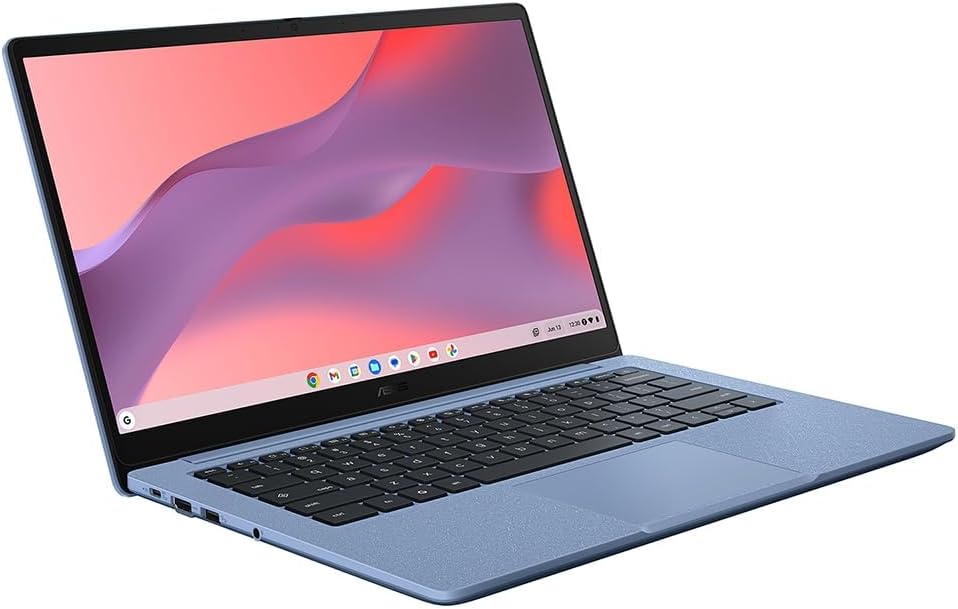
The 14-inch Full HD display is genuinely the star of the show here. At this price point, you'd normally expect to squint at a grainy 1366x768 panel, but ASUS has delivered proper 1920x1080 resolution. The 60Hz refresh rate won't win any gaming awards, but for web browsing, document editing, and video streaming, it's perfectly adequate.
Having a larger screen real estate makes a real difference when you're working with multiple browser tabs or Google Docs. The colours won't blow you away — this isn't an OLED panel — but they're consistent enough for everyday use. Text appears sharp, which matters more than you'd think when you're staring at spreadsheets or research documents for hours.
Here's where this budget laptop gains a significant advantage. ChromeOS is brilliantly optimised for lower-end hardware, and it shows. The Intel Celeron N50 processor paired with 4GB of RAM would struggle under Windows 11, but ChromeOS keeps everything moving smoothly.
Boot times are impressively quick — we're talking seconds rather than minutes. Browser-based tasks feel responsive, and the integration with Google Workspace is seamless if you're already living in that ecosystem. You can jump straight into Google Docs, Sheets, or Gmail without any bloatware getting in the way.
The 64GB eMMC storage is where reality bites, though. After the operating system claims its share, you're left with precious little space for local files. This forces you into cloud storage whether you like it or not, which isn't necessarily terrible if you've got reliable internet.
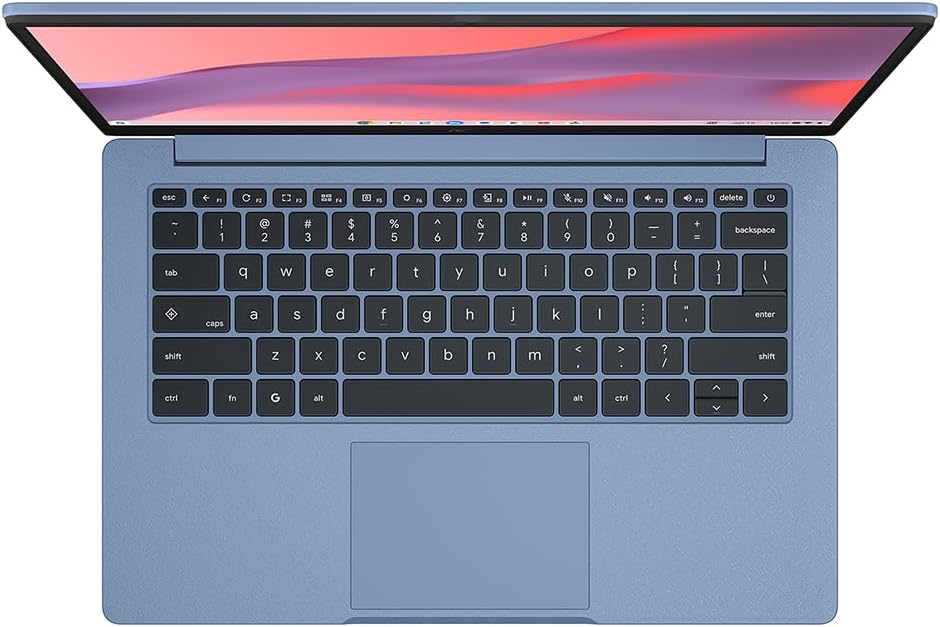
ASUS hasn't cut every corner to hit this price point. The laptop feels solid enough for daily use, though I wouldn't recommend testing its durability with drops or heavy handling. The keyboard provides decent tactile feedback for typing, and the trackpad responds accurately without the jumpiness you sometimes get on ultra-budget machines.
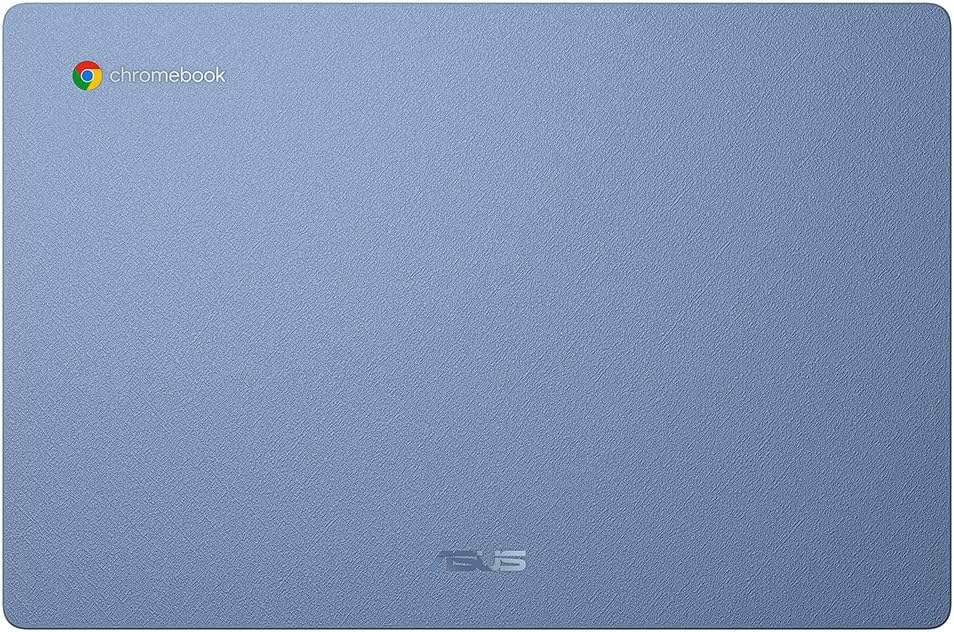
The port selection is reasonable: you get USB-A and USB-C options, plus a headphone jack. No HDMI, which might frustrate some users, but USB-C can handle external displays if needed. The overall design is refreshingly understated — no flashy gaming aesthetics or garish logos.
Let's be clear about what this machine can and can't do. Web browsing, document editing, video calls, and media streaming all work fine. You can have multiple browser tabs open without the system grinding to a halt, which is more than I can say for some budget Windows laptops.
But don't expect miracles. Heavy photo editing, complex spreadsheet calculations, or running demanding web applications will push the Celeron processor to its limits. The 4GB of RAM feels adequate for basic multitasking but starts showing strain with intensive workflows.
Battery life appears decent based on the specifications, though real-world usage will depend heavily on screen brightness and the number of browser tabs you keep open simultaneously.
The ASUS Chromebook 14 CX1405CTA delivers exactly what budget buyers need: reliable performance for everyday tasks without major compromises. If you're comfortable with ChromeOS and cloud storage, it's a smart choice. Avoid it if you need Windows applications or lots of local storage.
As an Amazon Associate, Smart Trends earns from qualifying purchases.
Was this review helpful?


