 Reviewed by Marcus Knapman, BSc (Hons) Computing ·
Researched from 100+ Amazon customer reviews
· How we review
Reviewed by Marcus Knapman, BSc (Hons) Computing ·
Researched from 100+ Amazon customer reviews
· How we review
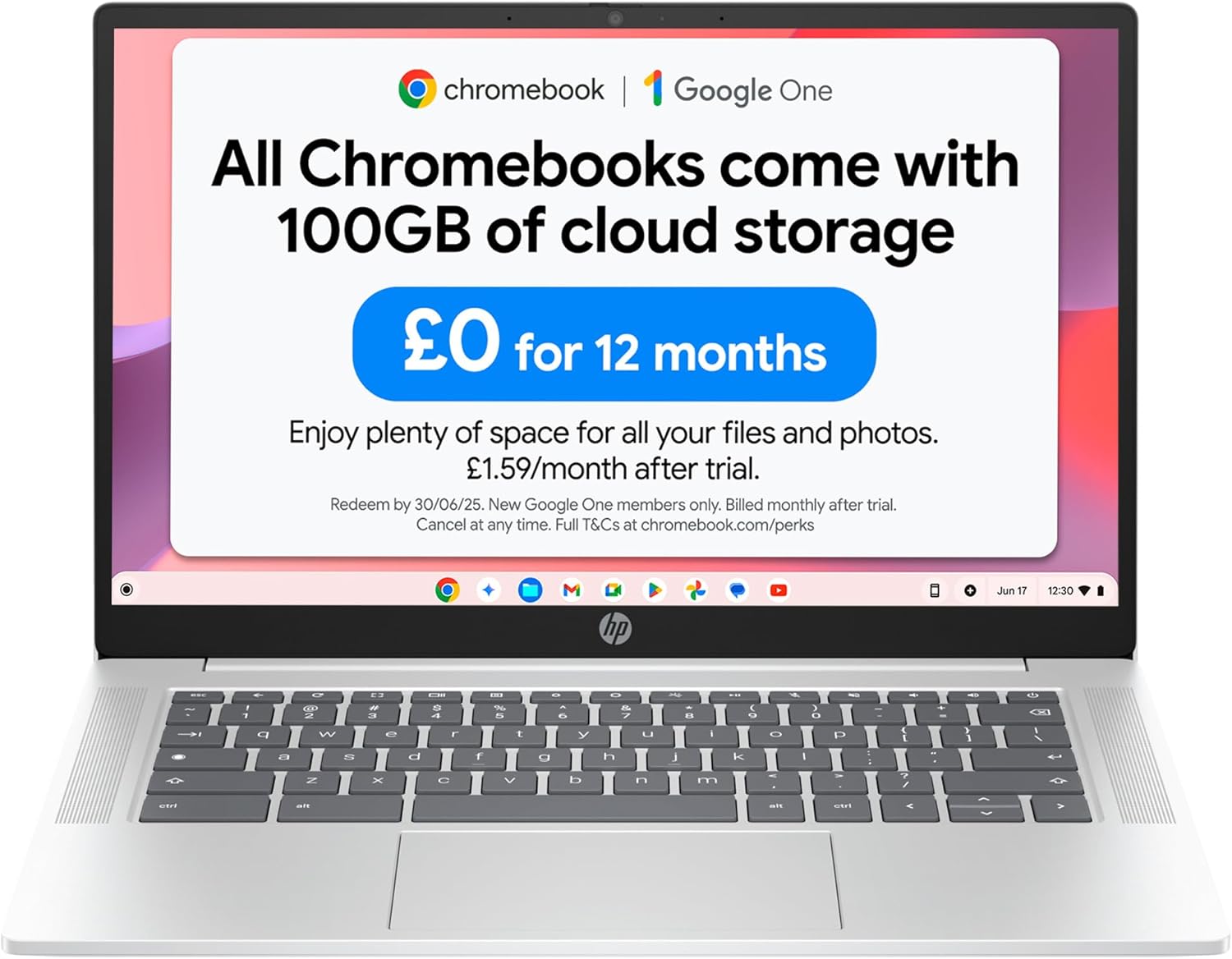
<p>There's a certain type of laptop buyer I think about a lot. They don't want a gaming rig, they don't want a design statement, and they definitely don't want to spend £600 so they can check email and watch iPlayer. They want something that opens quickly, doesn't fall over, and costs about the same as a decent pair of trainers.</p><p>The HP Chromebook 14 (model 14a-nf0002sa) is aimed squarely at that person. At £169.99, it pairs an Intel N100 processor with 4GB of RAM and 128GB of flash storage, wraps it in a Glacier Silver shell, and runs ChromeOS. No Windows licence cost, no bloatware, no fuss.</p><p>My bottom line: if your life already happens in a browser, this is a sensible little machine for the money. If it doesn't, you'll be fighting it within a week. Amazon hasn't surfaced a rating for this particular listing yet, so I've leaned on the spec sheet, HP's feature claims and what the wider Chromebook market tells us about this class of hardware. I haven't had it on my desk, and I'll be clear about what I can and can't say as a result.</p>
The Intel N100 is the headline here, and it's a decent choice for this price. Chromebooks are light on system demands because ChromeOS itself is lean, so a low-power chip like this has a much easier time than it would running a full Windows install. HP's own pitch talks about faster boot times, and that fits with how ChromeOS machines generally behave: lid up, sign in, working.
The catch is the 4GB of RAM. I'd call it the single biggest thing to think about before you click buy. ChromeOS handles memory more gracefully than Windows does, but a browser with a dozen tabs, a video call and a music tab open will push it. If you're the sort of person who has 30 tabs open as a matter of principle, this will not be a happy relationship.
This is the bit that catches people out, so I'll spell it out. You can't install the desktop versions of Word, Excel or PowerPoint on a Chromebook. What you can do is head to Microsoft365.com and use the web versions, which HP says gives you full access to create and edit files. You'll need a Microsoft 365 subscription for the extra functionality.

For most people writing documents and building the odd spreadsheet, the web apps are perfectly serviceable. If your workplace has you wrestling with macro-heavy Excel files, though, the web version will frustrate you. Google Docs and Sheets are built in and ready the moment you sign in with a Google account, and for a household that's happy to live in Google's world, that's a genuine plus.
This is where HP has been fairly generous. Plenty of budget Chromebooks at this price skimp down to 32GB or 64GB, which fills up alarmingly fast once you've downloaded a few things. 128GB of flash storage gives you proper breathing room for offline files, downloaded films for a train journey and Android apps if you use them.
It's flash storage rather than a speedy SSD in the premium sense, so don't expect lightning transfer speeds. For everyday use that's a non-issue.
The 14-inch display is listed as HD, and that's about as much detail as the data gives me. In practice, an HD panel at this price tends to mean it's perfectly watchable for streaming but not something you'd choose for colour-critical work. If you're hoping for a sharp, vibrant screen to rival a laptop twice the price, temper expectations.

The dual stereo speakers are a nice inclusion, and HP clearly wants you using this for Netflix and YouTube. Intel UHD Graphics will handle 4K streaming and light 720p gaming according to HP's claims. Treat that gaming bit as 'casual Android games and cloud gaming', not a stand-in for a proper machine.
I like the physical webcam privacy switch. It's a small touch, but in a world where people put sticky notes over their cameras, a hardware shutter is a genuinely thoughtful feature, and it's rare to see one at this price. The camera and microphone are pitched as good for video calls, which for a lot of buyers, such as students and home workers, is half the reason they're buying a laptop at all.
HP quotes up to 12 hours of battery. As ever, 'up to' is doing a lot of work in that sentence. Real-world figures depend on screen brightness, how many tabs you've got open and whether you're streaming video. I'd plan on a working day being realistic for light use, and treat 12 hours as a best-case figure achieved by someone reading a single document at low brightness. Fast Charge is included, which is handy if you tend to remember the charger at 8% rather than 80%.
Let me be straight about the compromises. 4GB of RAM limits how hard you can push it. The HD display won't wow anyone. And ChromeOS itself means no Windows or Mac software, full stop. If you need Photoshop, a full desktop Office install, or specialist software, this isn't your machine and no amount of clever workarounds will change that.
There's also the matter of long-term updates. ChromeOS devices get a fixed support window from Google, and it's worth checking the exact end-of-life date for this model before you buy, as I haven't been able to confirm it from the data I have.
The HP Chromebook 14 is a sensible, no-nonsense buy for students, kids, or anyone who spends their day in a browser and wants a cheap, simple laptop with a decent amount of storage. If you need desktop software, heavy multitasking or a high-quality screen, spend more or look at a Windows machine.
As an Amazon Associate, Smart Trends earns from qualifying purchases.
Was this review helpful?


