
 Reviewed by Marcus Knapman, BSc (Hons) Computing ·
Researched from 100+ Amazon customer reviews
· How we review
Reviewed by Marcus Knapman, BSc (Hons) Computing ·
Researched from 100+ Amazon customer reviews
· How we review
Is there anything duller than shopping for a cheap laptop? You wade through a sea of grey plastic rectangles, each promising to 'transform your productivity', and by the end you've forgotten what you were looking for in the first place. So when the Lenovo IdeaPad Slim 3 Chromebook 14 landed on my research list, I was braced for more of the same.
It isn't quite that. For £174.99 you get 8GB of RAM, a Full HD 14-inch screen, Wi-Fi 6, and a claimed 13.5-hour battery in a 1.3 kg body that won't dislocate your shoulder in a rucksack. There's no fan and nothing mechanical to whirr or fail. The Abyss Blue finish is a nice change from the usual silver-grey sludge too.
My bottom line, early so you can leave if you're in a hurry: if your computing life already lives in a browser, this is a very easy recommendation. If you need to install desktop software, walk away now, because ChromeOS will frustrate you. I've gone through the spec sheet in detail and weighed it against what you'd realistically expect at this price. Amazon's rating data isn't available for this listing, so what follows rests on the hardware and the platform rather than a star count, and I'll flag where that leaves me guessing.
Most Chromebooks at the budget end make do with 4GB, and you feel it the moment you open a dozen tabs. Having 8GB here is the single most useful thing about this machine. ChromeOS is a lean operating system, but Chrome itself is hungry, and anyone who keeps email, a few documents, a streaming tab and a handful of research pages open at once will appreciate the extra headroom. For a £174.99 laptop, I'd call that the spec that matters most.
The processor is a MediaTek Kompanio 520. I'll be straight: it's an entry-level chip, and I wouldn't expect it to feel zippy under heavy load. It's built for the light, browser-based work ChromeOS is designed around. Think of it as a laptop for emails, documents, video calls and streaming, not for anything that makes a processor sweat.
At 18.6 mm thin and around 1.3 kg, the IdeaPad Slim 3 is easy to live with. With no moving parts inside, there's no fan noise and one less thing to break. That's a genuine plus for a student's bag or a laptop that migrates between the sofa, the kitchen table and the spare room. Lenovo's description calls it solidly built, though at this price I'd expect plenty of plastic and wouldn't treat it as indestructible. Look after it and it should be fine.
The 13.5-hour battery figure is Lenovo's own claim, so treat it with the usual scepticism. Real-world life with the brightness up and video playing will be shorter. Even so, a full day away from the plug looks achievable for typical light use, which is more than I can say for plenty of cheap Windows machines.
This is where the compromises show. The 14-inch display is Full HD, which keeps text crisp, but it's a TN panel with 250 nits of brightness. In plain terms: it's a bit dim, and the colours and viewing angles won't match an IPS screen. Tilt it away from you and the picture washes out. Use it near a bright window on a sunny day and you'll be squinting.
For a laptop at this price, I wouldn't call that a dealbreaker, but it's the most obvious weak spot and I'd rather say so plainly. If you're sitting straight on to it, indoors, watching YouTube or writing an essay, it'll do the job. If you care about picture quality, this isn't your machine. The front-facing speakers are tuned by Waves Audio, which should make them a step above the tinny rattle of the cheapest laptops, though I wouldn't expect them to replace a proper speaker.
Connectivity is better than I'd expect at £174.99. You get USB 3.2 Gen 1, a USB-C port that handles data transfer, Power Delivery 3.0 and DisplayPort 1.1a, a microSD card reader and a 3.5 mm headphone jack. That USB-C port is handy: you can charge over it and potentially hook up an external monitor. The microSD slot is a practical answer to the storage question I'll get to shortly.

Wi-Fi 6 and Bluetooth round things out. Wi-Fi 6 only pays off if your router supports it, but it's good to see on a machine this cheap.
There's a physical camera shutter, a mute-mic key and Google's Security Chip H1. The shutter is the one I like most. It's low-tech, it works, and it means you never have to wonder whether the webcam is watching. It's a small detail, but it's the kind of thing that makes a cheap laptop feel considered.
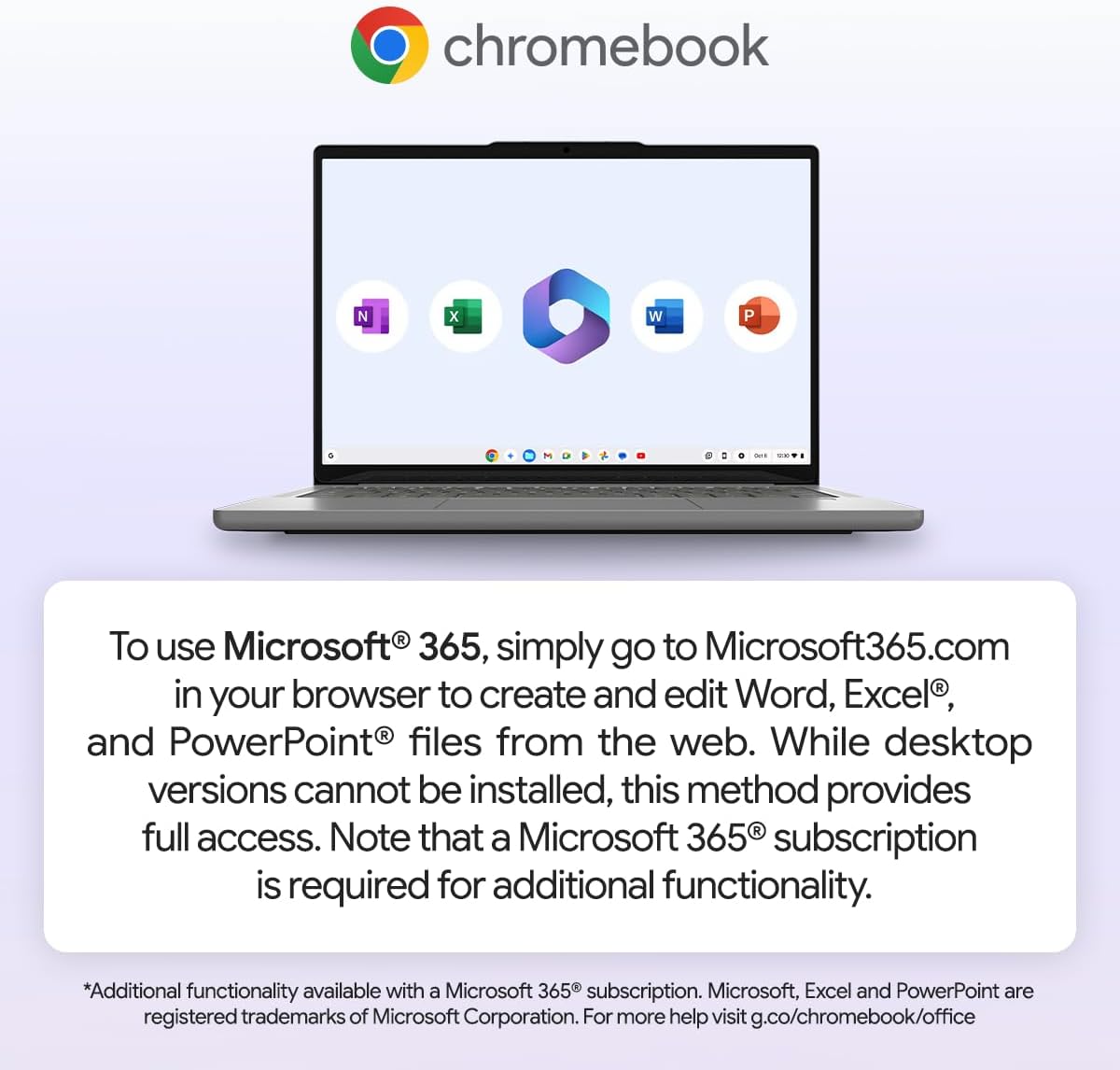
Sign in with a Google account and Docs and Sheets are ready to go. Microsoft 365 works through the browser at Microsoft365.com, but you can't install the desktop versions of Word, Excel or PowerPoint, and some extra functionality needs a subscription. If you live in Office documents with complicated macros, that's a real limitation. If you mostly write and share simple files, you'll be fine.
The storage is the other catch. 128GB of eMMC is modest and not especially fast. ChromeOS pushes you towards cloud storage, so it's less of a problem than it would be on Windows, but anyone planning to keep a large local library of files should budget for a microSD card or external drive.
Overall, this is a laptop that knows exactly what it is. It doesn't pretend to be a Windows machine on the cheap, and if you go in with that understanding it makes a lot of sense for the money.
The Lenovo IdeaPad Slim 3 Chromebook 14 is a sensible, no-nonsense buy for anyone whose work and play happen in a browser, and the 8GB of RAM makes it better value than most rivals at this price. If you need desktop apps like the full Microsoft Office suite, or you want a bright, colour-accurate screen, spend more or look at a Windows laptop instead.
As an Amazon Associate, Smart Trends earns from qualifying purchases.
Was this review helpful?


